Description
- Health
- Damage
- Weapons (reload, heat, recoil, stability)
How to use scripts
All scripts are already built into the GG Script Run program and run online automatically.
What you need to get started:
1. Install a virtual system that already has root privileges—this is the easiest (see here 🔗)
2. Download and install GG Script Run within the virtual system:
for most devices x64 ( link 1 or link 2 )
or old architecture x32 ( link 1 or link 2 )
3. Configure the system once, and you can run any scripts without any additional steps
⚠️ Important: Without a virtual system (or root), GG Script Run will not work!
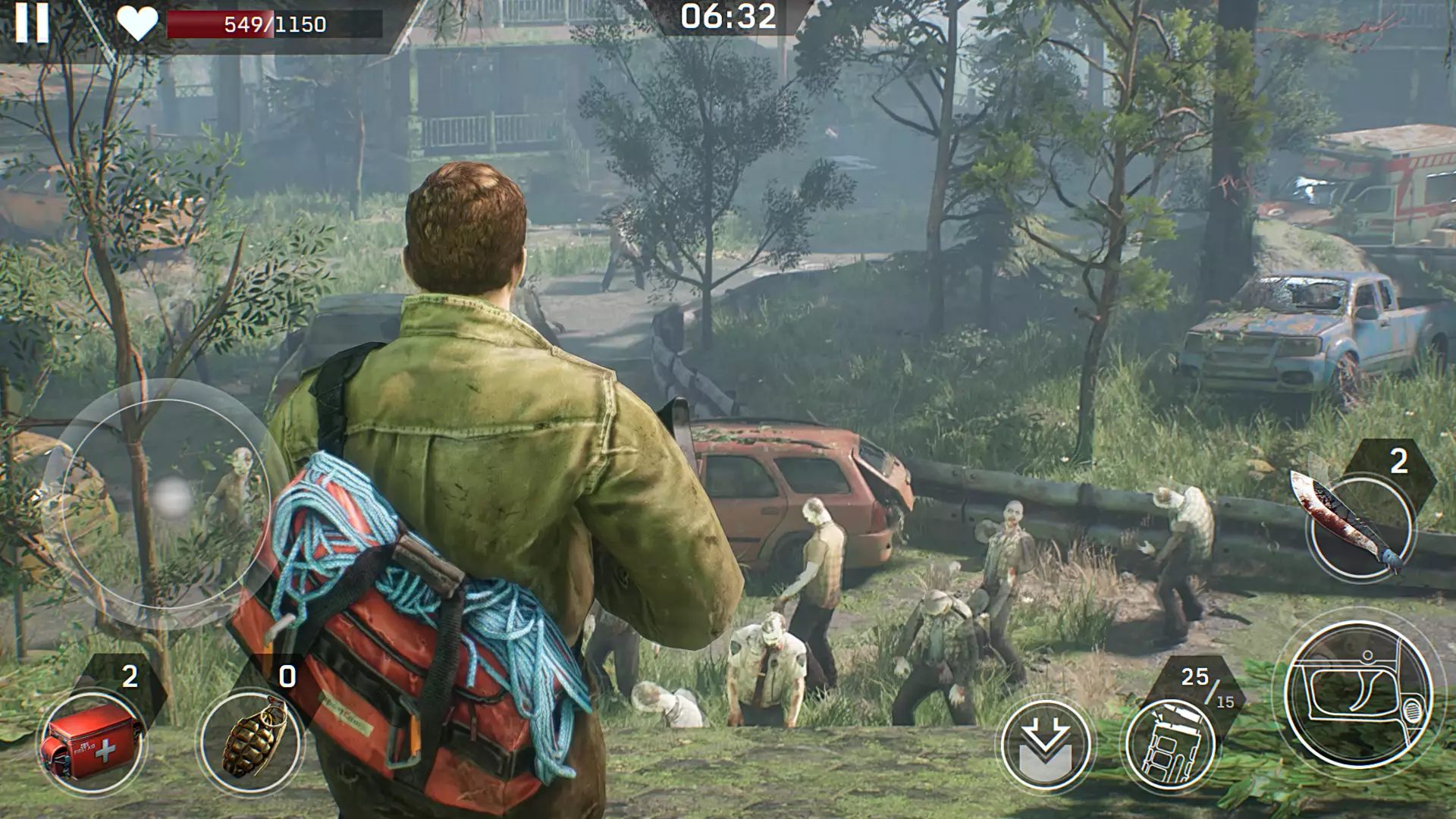
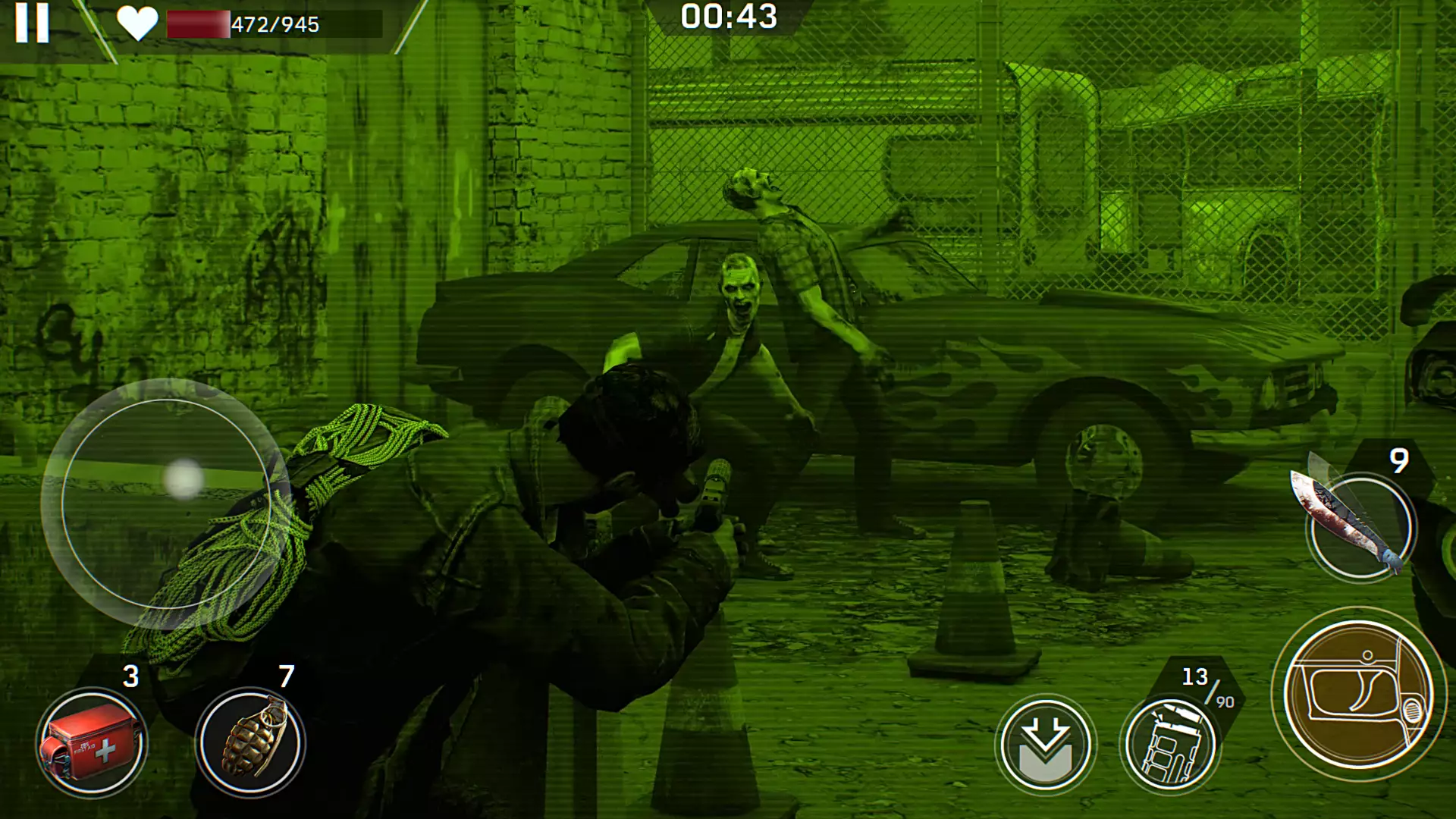
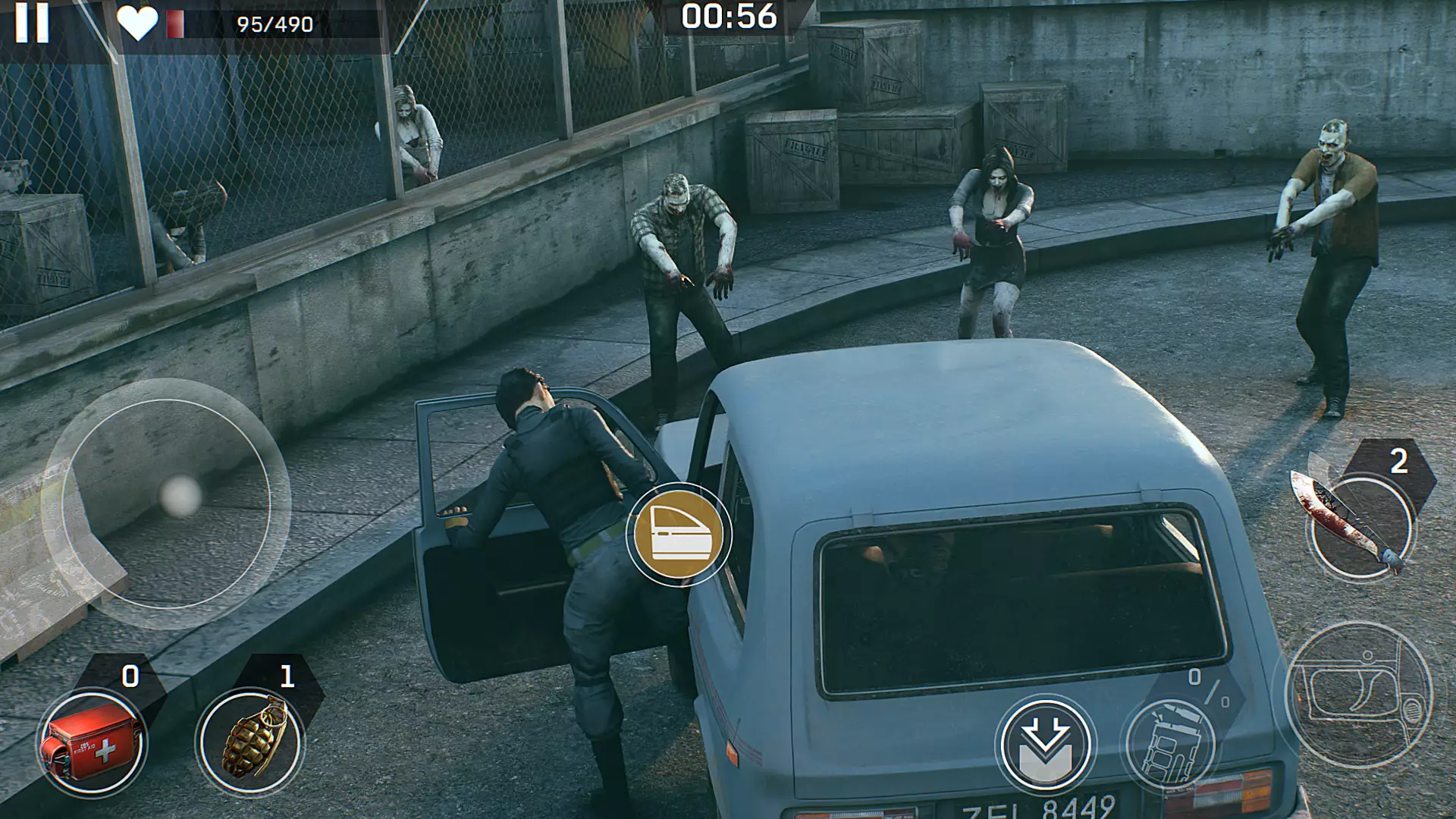
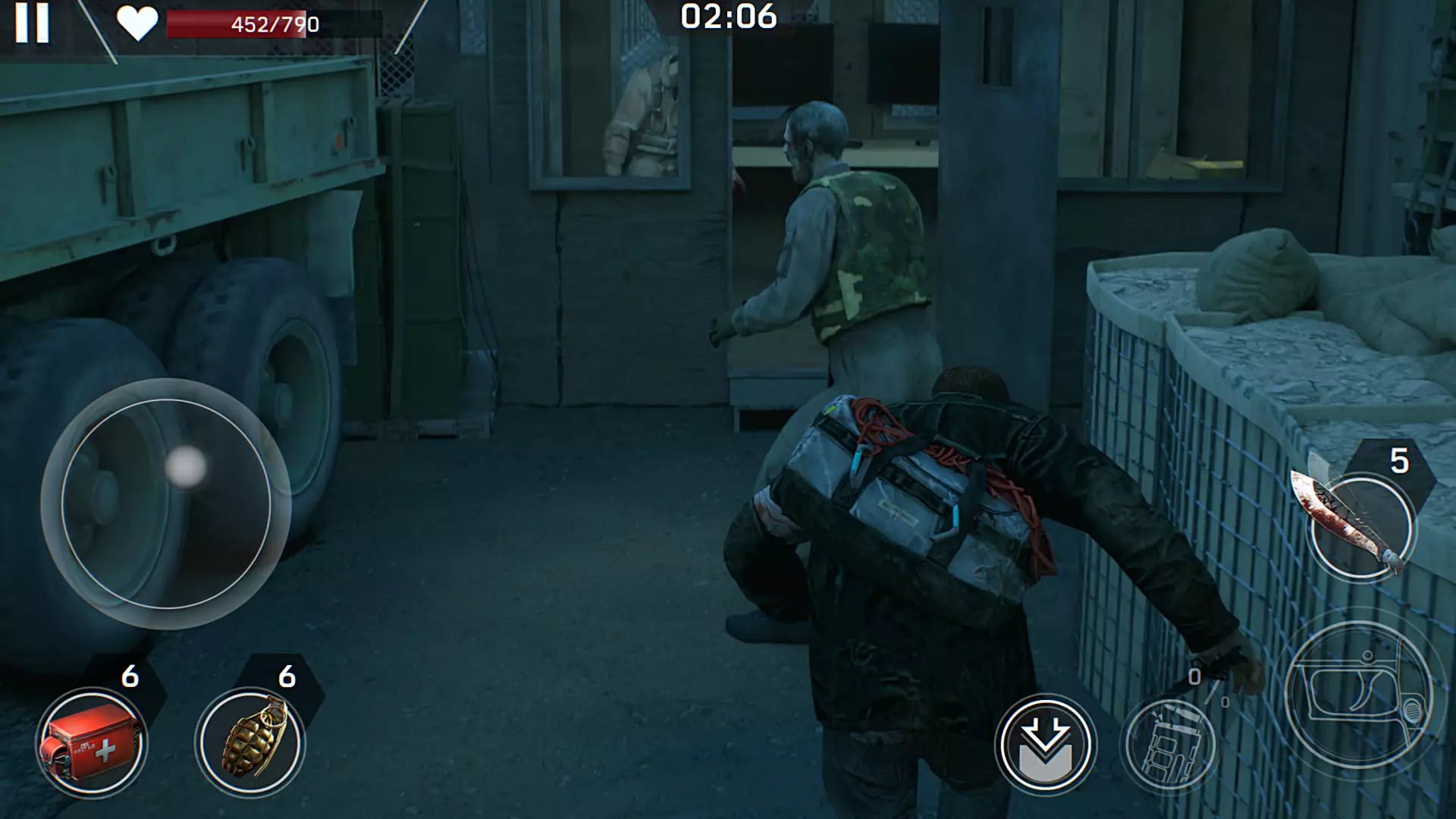
Zombie apocalypse is coming! PvP zombie shooter: fight for survival and play shooters and wars online!
Left to Survive is an exciting online shooter in which zombies have enslaved the Earth and a post-apocalypse has come.
The world will never be the same: people are fleeing, and the Earth now belongs to zombies. Take part in tournaments, collect an arsenal and get valuable equipment, build a base - a new home for many survivors, organize expeditions to meet the heroes of the post-apocalypse, compete with other players in PvP matches and carry out helicopter raids, demonstrate your shooting skills.
Save humanity from HORDES OF ZOMBIES
The world is filled with the dead. There is nowhere to run and nowhere to hide. Become a hero of the post-apocalypse and show how accurately you shoot, dealing with zombies. Start the Campaign, become part of history, rid the Earth of hordes of the dead! Help humanity to rise again, like a phoenix from the ashes.
A wide selection of WEAPONS is at your service!
To protect our world from zombies, you will need the right arsenal and equipment. Choose the perfect weapon for yourself among assault rifles, sniper rifles, machine guns and shotguns that will help you deal with zombies and shoot accurately on target.
Your hero, having donned combat gear, will become more agile and powerful. Improve weapons and gear, and also get new evolution levels. Victory over the dead is near!
ASSEMBLE a team of HEROES!
Meet all the heroes of the post-apocalyptic world. Previously, each of them had the most ordinary life, but now they protect humanity from zombies. All heroes have unique skills and abilities. Develop their skills, improving and getting new levels of evolution.
And last but not least, find all the survivors, give them new hope and a new home. With their help, life at the base will be better.
Engine running, get ready to raid the BASES
Hard times have come, and only the strongest will survive. Attack other bases and collect resources. Be prepared for a “warm” welcome, because the chance of getting into a serious brawl is very high. Watchtowers and local fighters always protect their bases from attacks. Stealing resources from under their noses is not an easy task. Equip your helicopter with powerful weapons and do not forget to upgrade it to carry out successful raids.
Compete with other players in PvP MATCHES
Want to test your shooting skills and find out how good you are? Compete with other players in PvP matches, because this is a great opportunity to gain experience in shooting, decide who is the best shooter, and also practice once again before meeting with zombies. Choose a single battle or 2v2. Team up with other members of your clan and compete with other players together.
Build your BASE!
Faith in a bright future gives you the strength to survive and restore the world. Build a new home for yourself and other survivors – your base. Turn it into a place where everyone can find shelter and feel safe: grow food, produce resources, create special abilities for your heroes, improve weapons, etc. Fortify your base with towers to protect it from raids and robberies.
Only the strongest can survive the zombie apocalypse. Shooters, wars and more in the online zombie survival game!
Will the "Weapons" option work?
Hi. I see that not all weapon stats are working, but the damage is still maxed out. I'll try to fix it in the next few days.
Thanks bro! 👊
I edited the script, everything works! Good luck.
I'm sorry, but the third option still doesn't work 🤷
1) Launch the game and play for about 30 seconds, then pause. 2) Run the script, click "Delete" (this will delete the file with the previous settings, which were incorrect). 3) Then, when you're back at the base, you can enable all the features.