VPhoneGaGa - installation and configuration

Please note: If you don't follow the instructions, the virtual machine may become unstable or freeze. Even if you followed all the steps correctly and still encounter problems, please do not contact us; try installing a different virtual machine.
Visually, the installation looks different on different devices, but the essence is always the same. You need to grant permissions to our applications.
Good luck
1. Download Free virtual system (Standoff 2 game does not start)
VPhoneGaGa 10 Android 10.02.2026:
✅ English version 🇺🇸 ( link 1 or link 2 )
✅ Russian version 🇷🇺 ( link 1 or link 2 ) - RuStore and MAX messenger are installed.
Please follow the installation instructions. In rare cases where the app fails to launch (most often on Android 15).
When you first boot Android 10, apps may be updating, so Google Play may not start downloading games immediately; you'll need to wait a bit. If the download still doesn't start, clear your Google Play cache.
2. Select which system you have:
Android 12, 13, 14, 15, 16, 17 😉 and so on
- 2.1 Activate developer mode:
On the device, go to the “Settings” item and select the “About phone (About tablet)” section.
Find the item “Build number”, tap on it five to eight times.
After this, the system will inform you that you have become a developer. - 2.2 Install VPhoneGaGa.
Allow running on top of other applications.
When installing, allow the application to run all items.
Enable floating window.
In developer mode you need to do:
1) Enable USB debugging.
2) Enable WiFi debugging (not necessarily with internet access).
3) Allow screen overlay in settings.
4) Disable child process restrictions (not all devices have this option).
5) In WIFI debugging, get a 6-digit code and enter it in the required window.
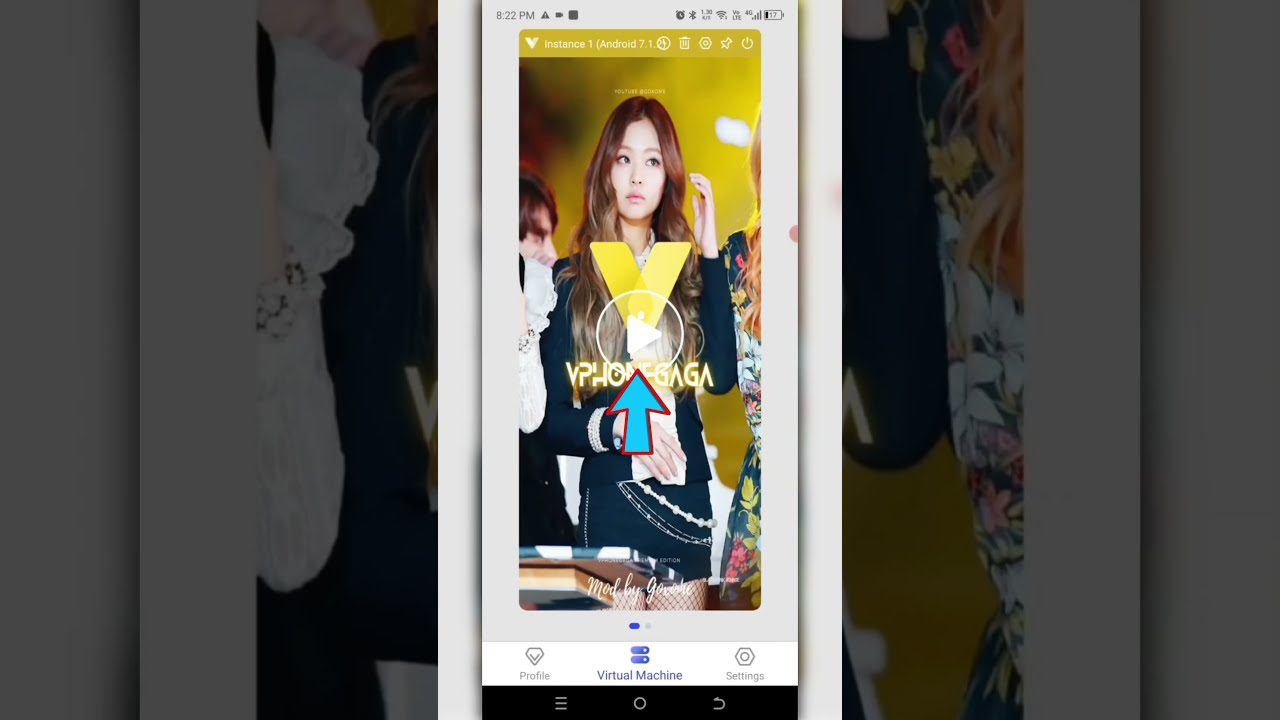

If you need to change the language of the installed Android, do this.
3. Sign in to your Google Play account and download the game.
- 3.1 Sometimes, during the first 1-2 starts of the virtual system, data may be updated and a reboot may occur - it’s okay, that’s how it should be!
- 3.2 If the game doesn't download, clear the Google Play cache or uninstall updates.
Setting -> Apps -> Google Play Store -> Storage -> Clear Data (Video)
5. Launch GG Script Run (еhe application has a floating icon that can be moved to any place on the screen)
- 5.1 Launch the game
- 5.2 Click on GG Script Run
- 5.3 Select your game that you want to hack
- 5.4 Press Any start button
The first time you run it, the necessary components will be downloaded.
You need to register or use an old account.
After confirming your email address, you can use the hack for any game available on our portal.
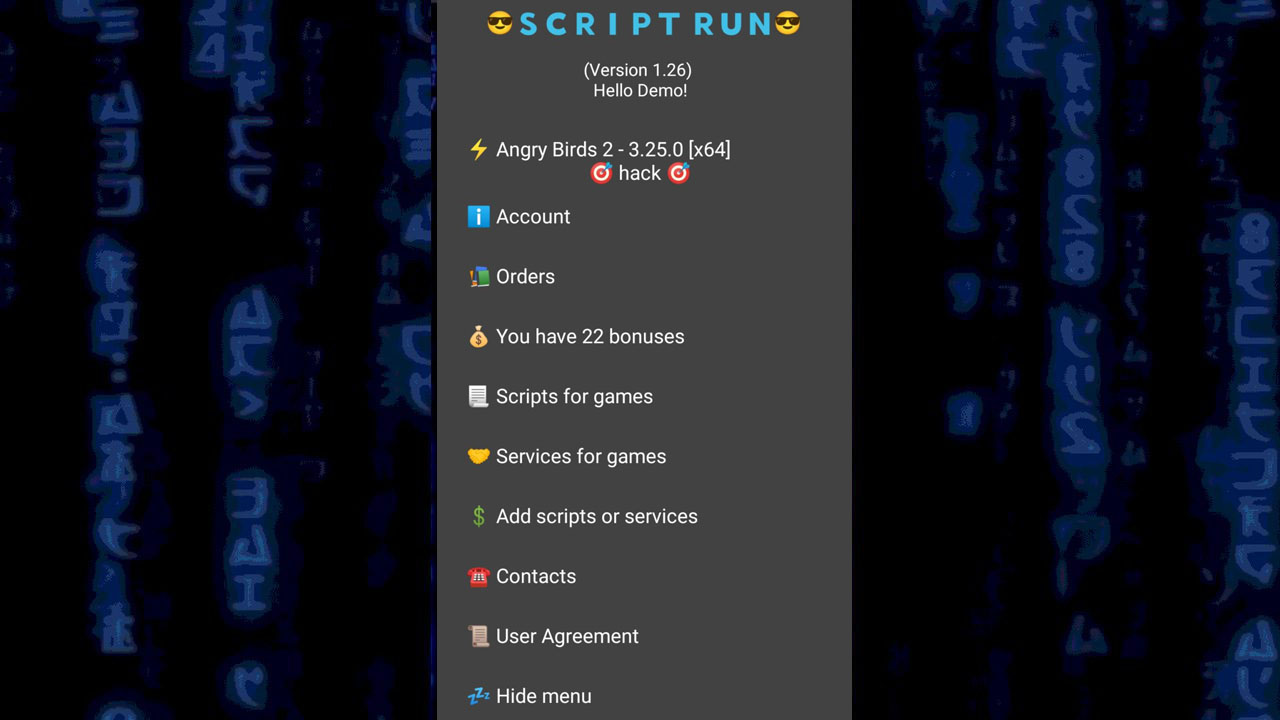
Next time to play a game with a script, follow these steps:
- 1 open the virtual machine
- 2 launch GG Script Run
- 3 open the game
- 4 click on GG Script Run and select your game from the list
- 5 run script.
If for some reason you were unable to launch the virtual system or our program, look on the Internet for other instructions that exist for your device or buy our service for setting up. (If we can't set it up, we'll refund your money!)