Bluestacks - installation and configuration
1. Download the emulator from the official website Bluestacks
2. Install
3. In your Windows, open the folder C:\ProgramData\BlueStacks_nxt and open the bluestacks.conf file in an editor.
Find the line that contains the text bst.instance.Pie64.enable_root_access="0", change value 0 to 1.
Now we have root rights, but we need to check it
4. Launch Bluestacks emulator, login to your Google Play account and download Root Checker.
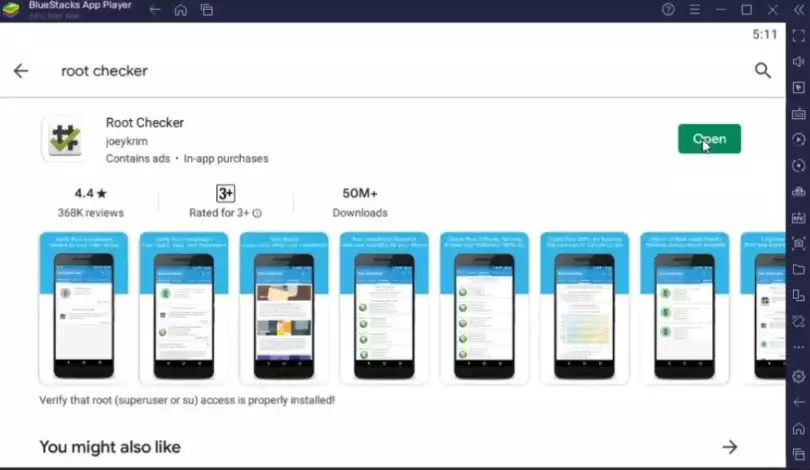
Open the Root Checker and click "Check Root".
This will show that your device is rooted.
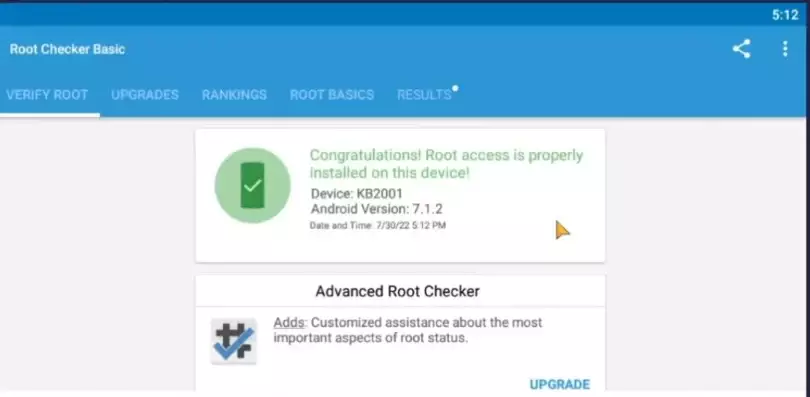
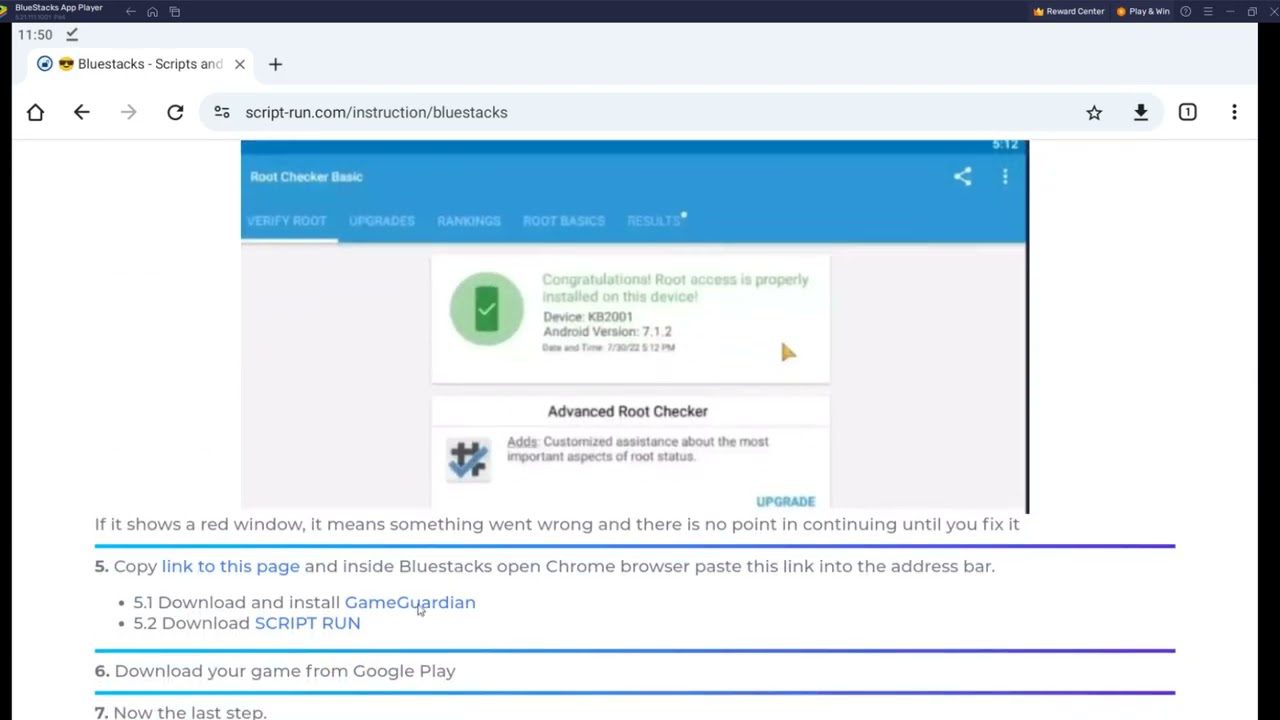
If it shows a red window, it means something went wrong and there is no point in continuing until you fix it
5. Copy link to this page and inside Bluestacks open Chrome browser paste this link into the address bar.copied
- 5.1 Download and install GG Script Run
for most devices x64 ( link 1 or link 2 )
or old architecture x32 ( link 1 or link 2 )
6. Download your game from Google Play
7. Launch GG Script Run (еhe application has a floating icon that can be moved to any place on the screen)
- 7.1 Launch the game
- 7.2 Click on GG Script Run
- 7.3 Select your game that you want to hack
- 7.4 Press Any start button
The first time you run it, the necessary components will be downloaded.
You need to register or use an old account.
After confirming your email address, you can use the hack for any game available on our portal.
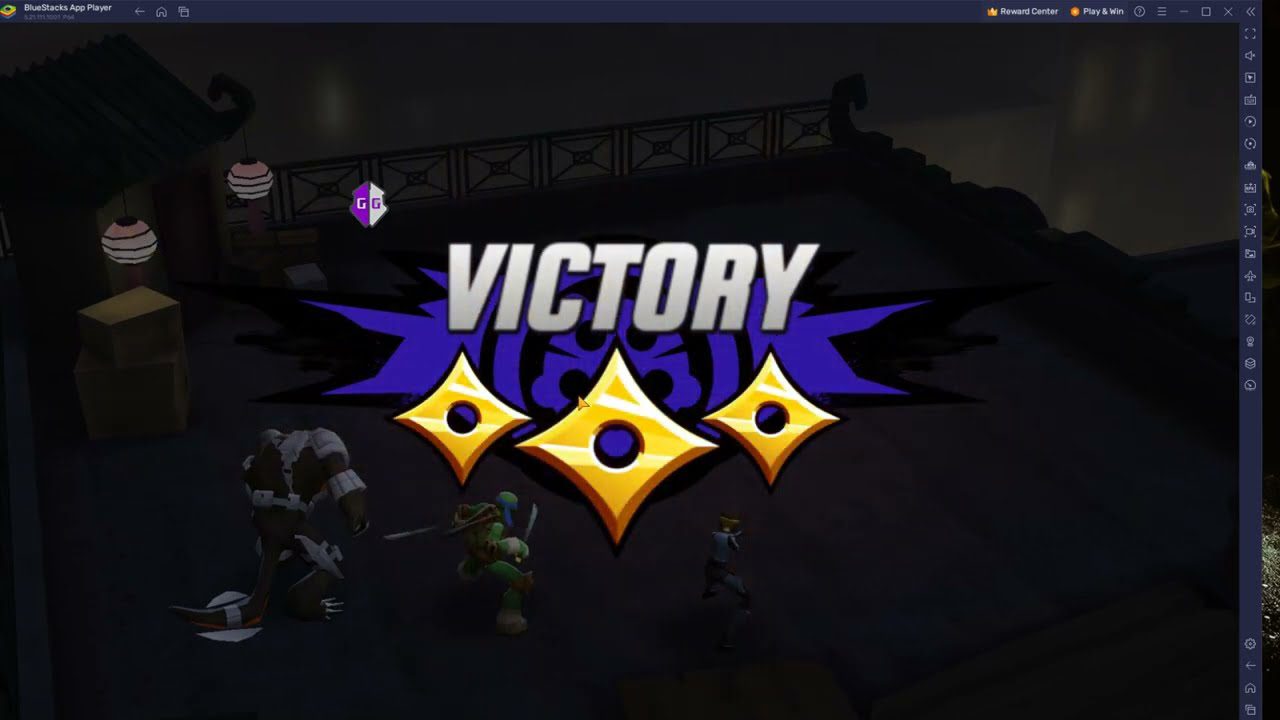
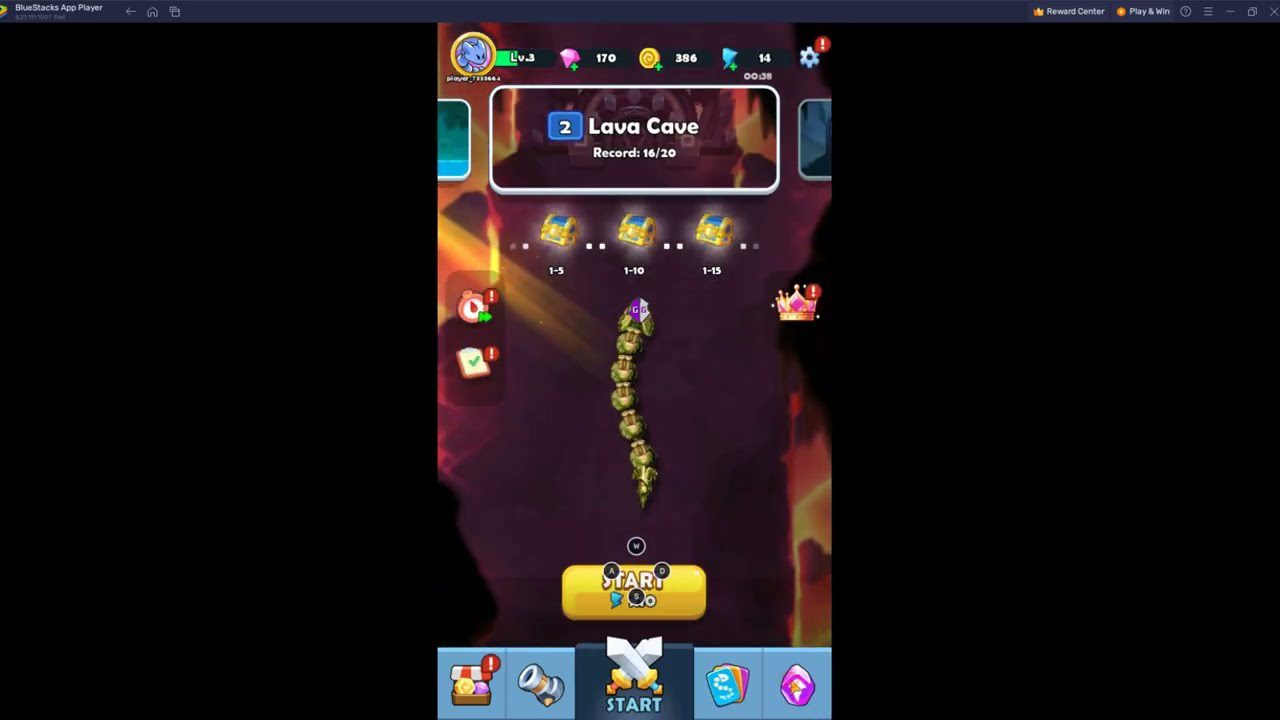
Next time to play a game with a script, follow these steps:
- 1 open the virtual machine
- 2 launch GG Script Run
- 3 open the game
- 4 click on GG Script Run and select your game from the list
- 5 run script.
If for some reason you were unable to launch the virtual system or our program, look on the Internet for other instructions that exist for your device or buy our service for setting up. (If we can't set it up, we'll refund your money!)